
Baji Withdrawal Methods & Time in Bangladesh
Baji withdrawals follow a clear and controlled process designed for users in Bangladesh. Cash out requests are processed in BDT, with local payment methods supporting fast access to funds. Each Withdrawal request moves through verification and automated checks, which helps maintain reliable payouts and predictable processing times for every account.
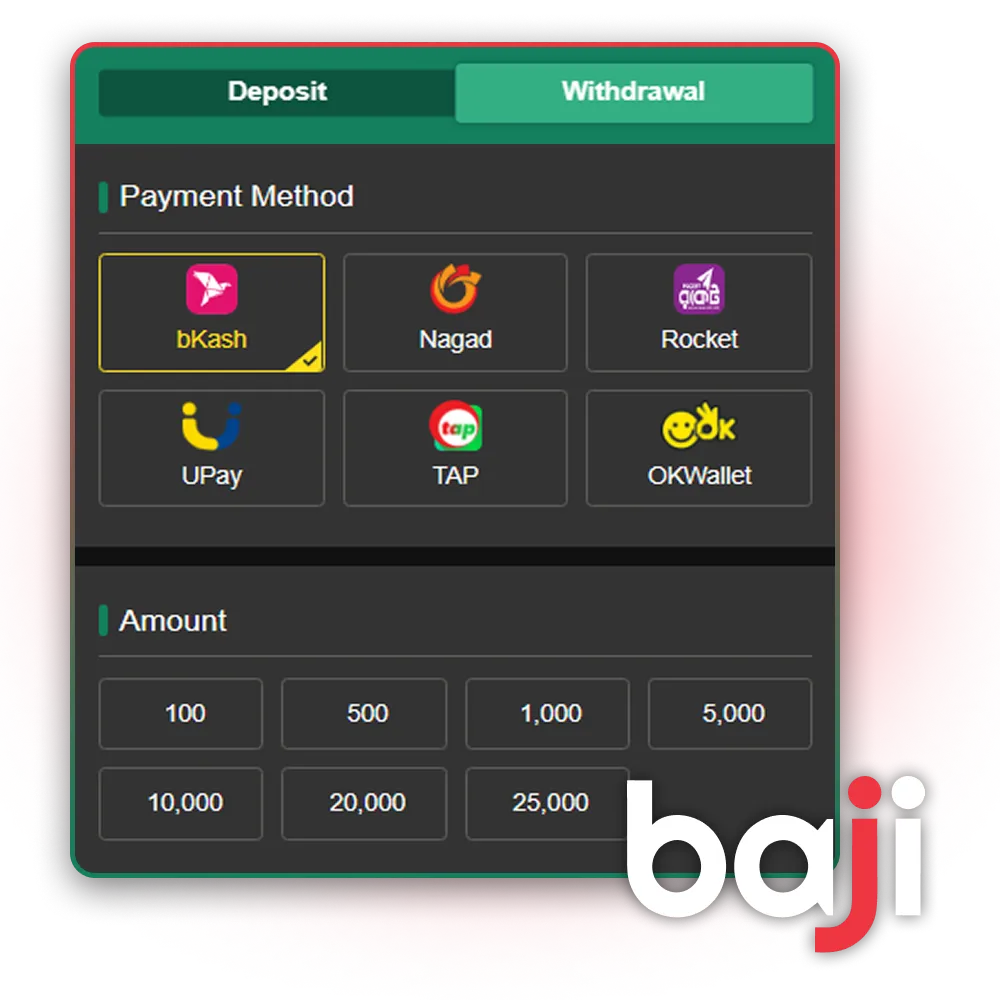
Withdrawal Options
Withdrawals support local payment channels commonly used in Bangladesh. Each method follows set limits and typical processing windows, which helps plan payouts without uncertainty. The table below outlines available options and standard conditions.
| Method Name | Min Withdrawal | Max Withdrawal | Processing Time |
|---|---|---|---|
| bKash / Rocket / Nagad | ৳500 | ৳25,000 | 15–30 minutes |
| Local Bank | ৳30,000 | ৳50,000 | 15–30 minutes |
Processing time may extend during peak hours or banking maintenance, with status updates shown inside the account panel.
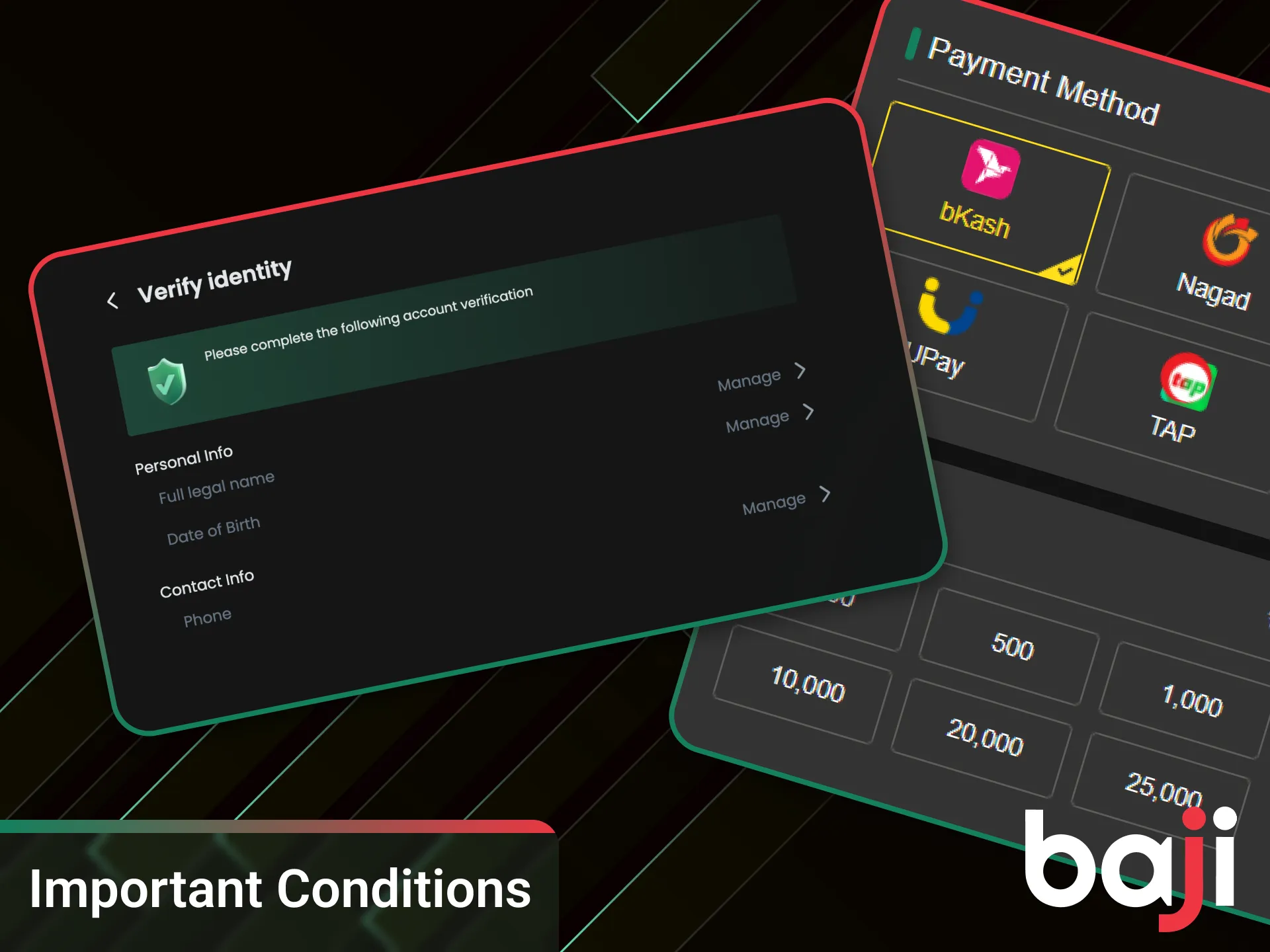
Important Conditions Before Requesting Payout
Before sending a payout request, several conditions must be met to avoid delays or rejection. These checks confirm account ownership and confirm that funds qualify for withdrawal.
- Full verification completed: Identity checks (KYC) must finish successfully. Approved documents unlock withdrawal access.
- Bonus wagering completed: Any active bonus must meet its wagering target. Unmet requirements block payout until completion.
- Phone number linked and verified: A confirmed phone number via SMS is required for security and payout confirmation.
Meeting all points helps payouts move forward without extra review.
How to Withdraw from Baji?
Withdrawal requests follow a clear order and take only a few minutes to submit. All actions stay inside the account panel, so you do not need external forms or extra confirmation steps. Make sure verification and bonus conditions are already completed before you proceed.
Log In
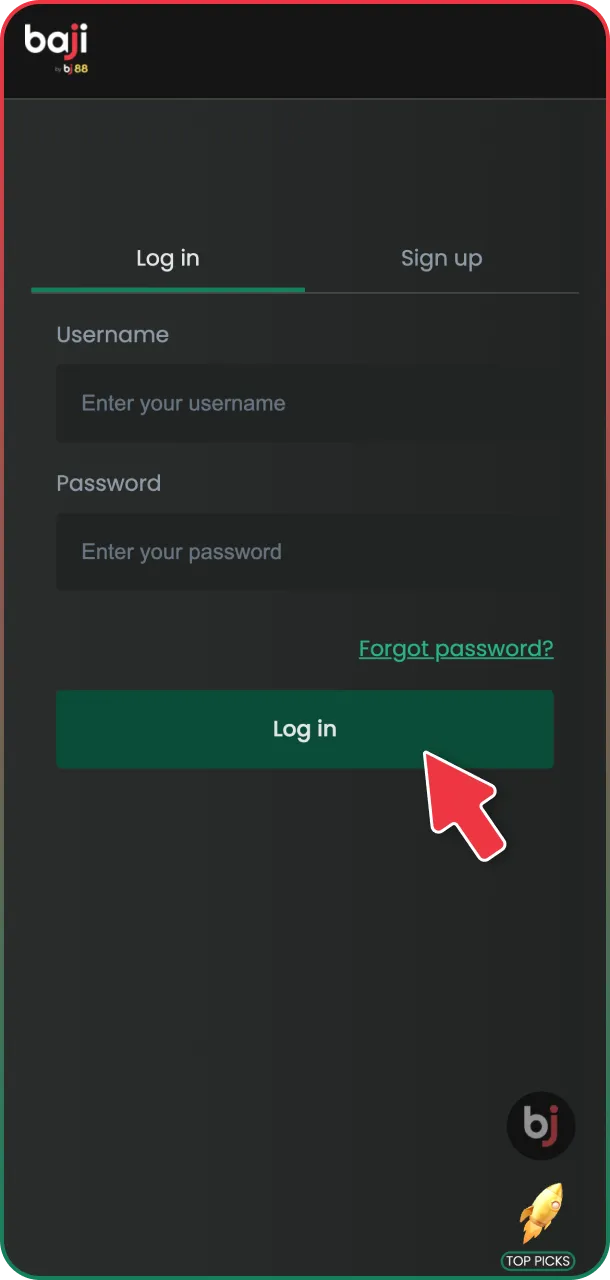
Log in to your account using your username and password.
Open the Main Menu.
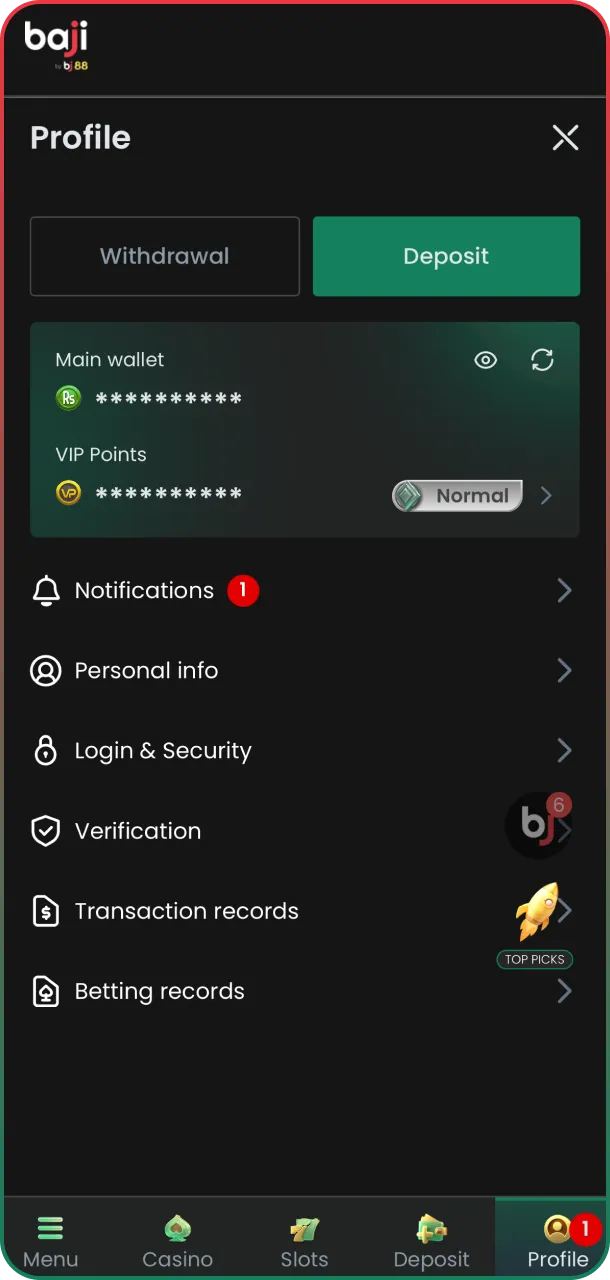
Open the Member Center from the main menu.
Select the Account Section
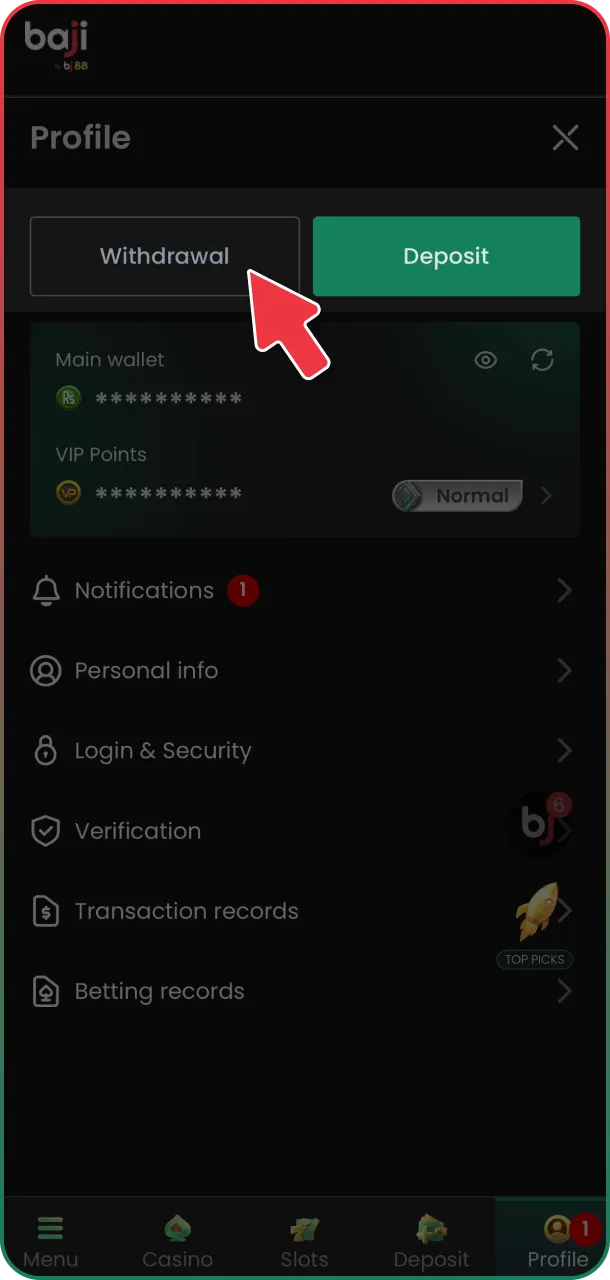
Select the Withdraw option from the account section.
Add a New Bank
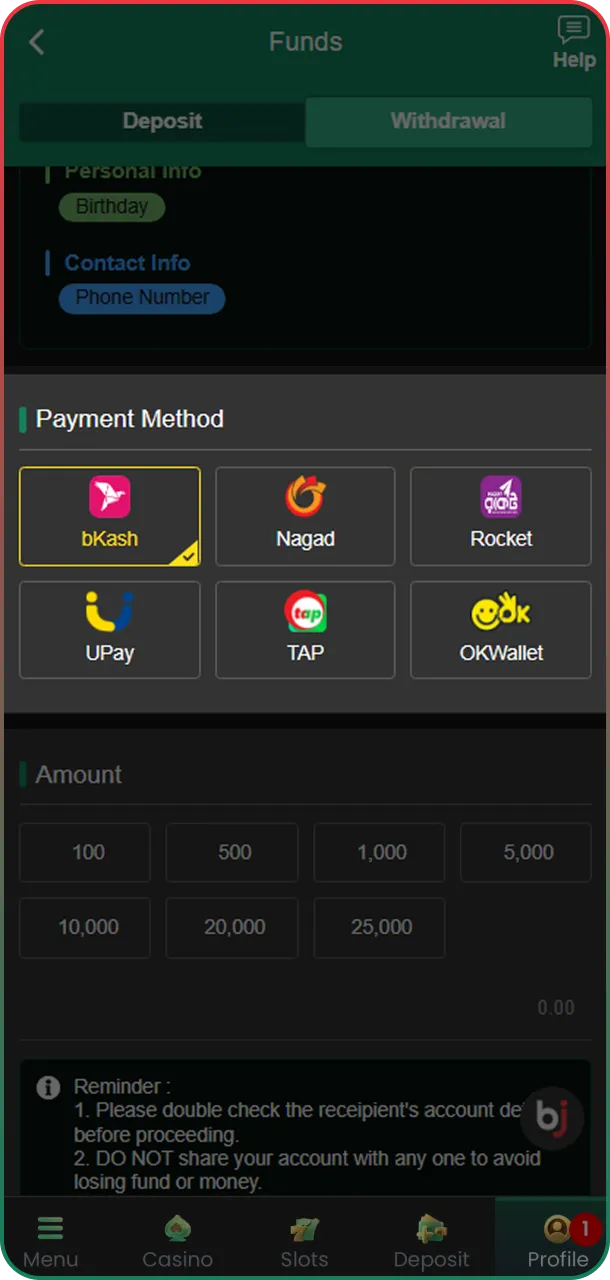
Add a new bank or wallet account, or select an existing one.
Confirm
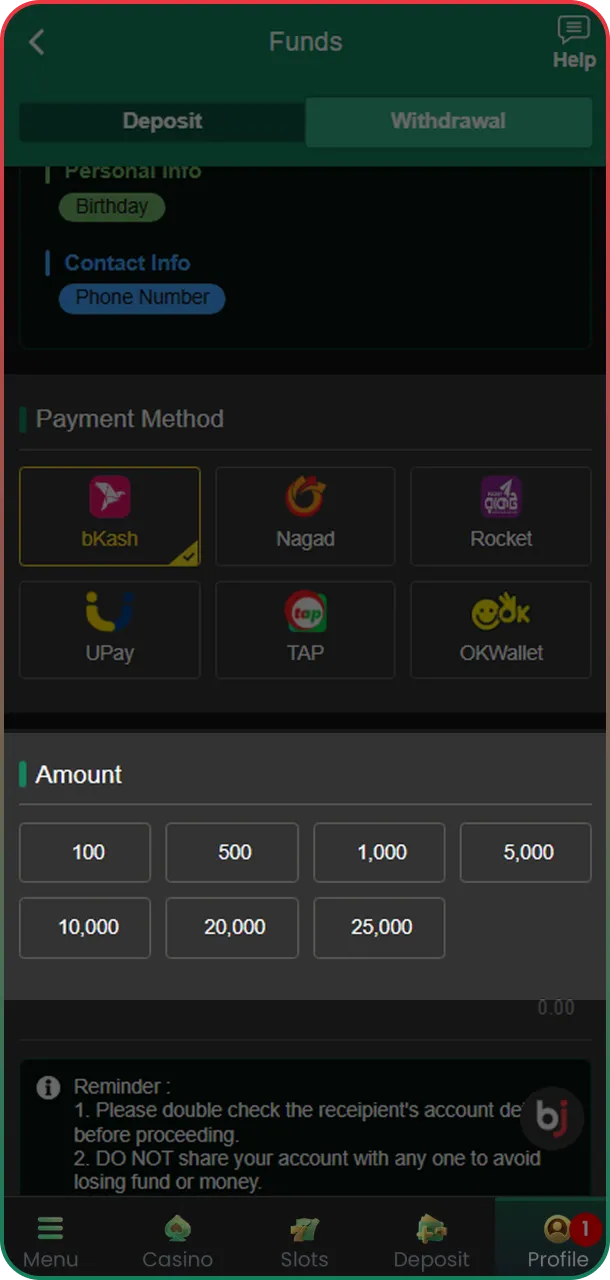
Enter the withdrawal amount and confirm the request with your account password.
After submission, the request moves to processing, and status updates appear inside your account.
Main Wallet Transfer
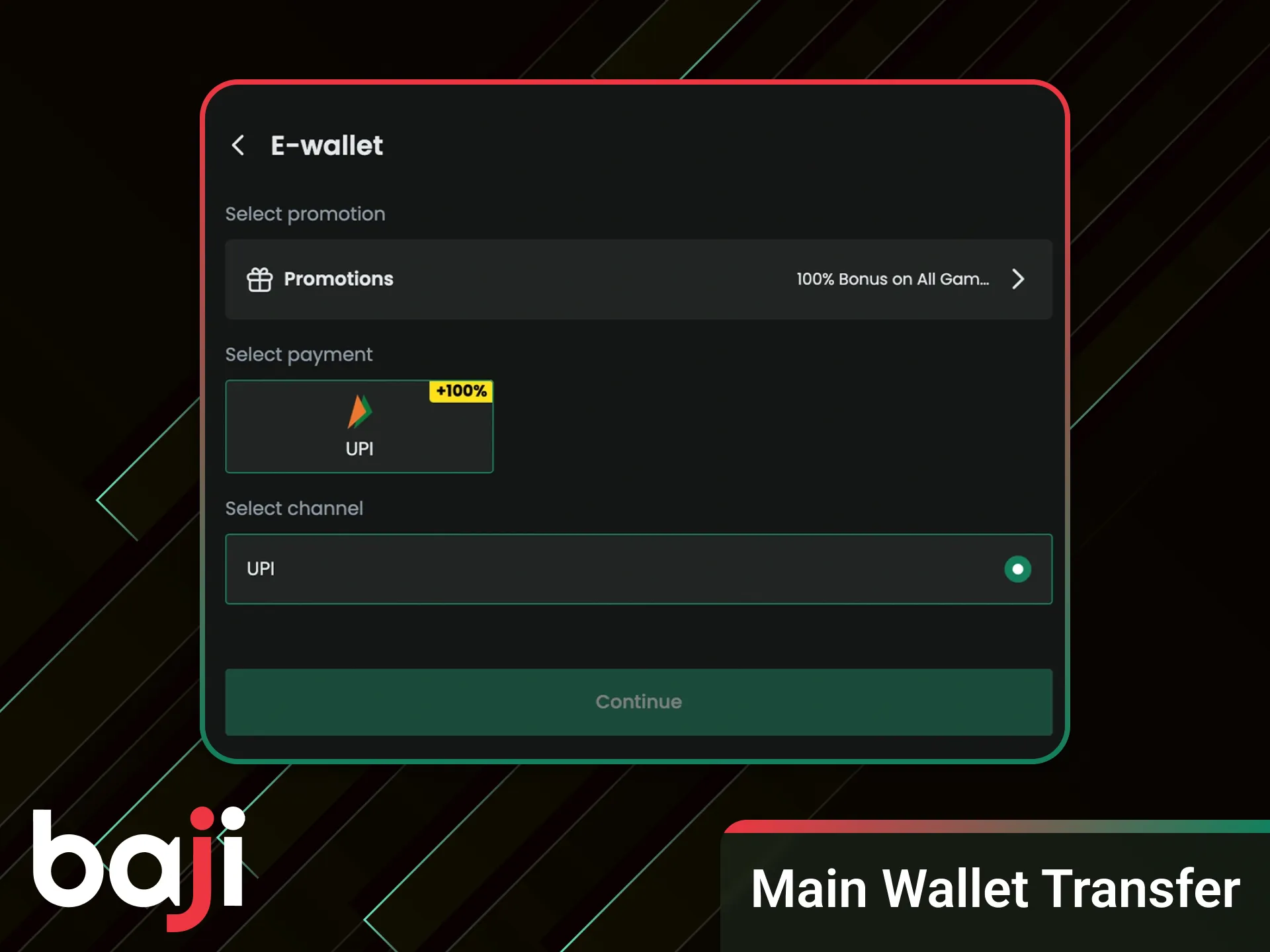
Funds from sports betting or casino play do not move directly to withdrawal. Before a payout request, balances must be transferred to the Main Wallet through the Transfer option inside the account. This step confirms that bets have settled and that bonus rules no longer apply. Open the wallet section, select the source balance, such as Sports or Casino, then move the amount to the Main Wallet. Only funds shown in the Main Wallet become available for withdrawal. Skipping this step prevents the payout option from appearing.
Withdrawal via Mobile Banking (bKash, Nagad, Rocket)
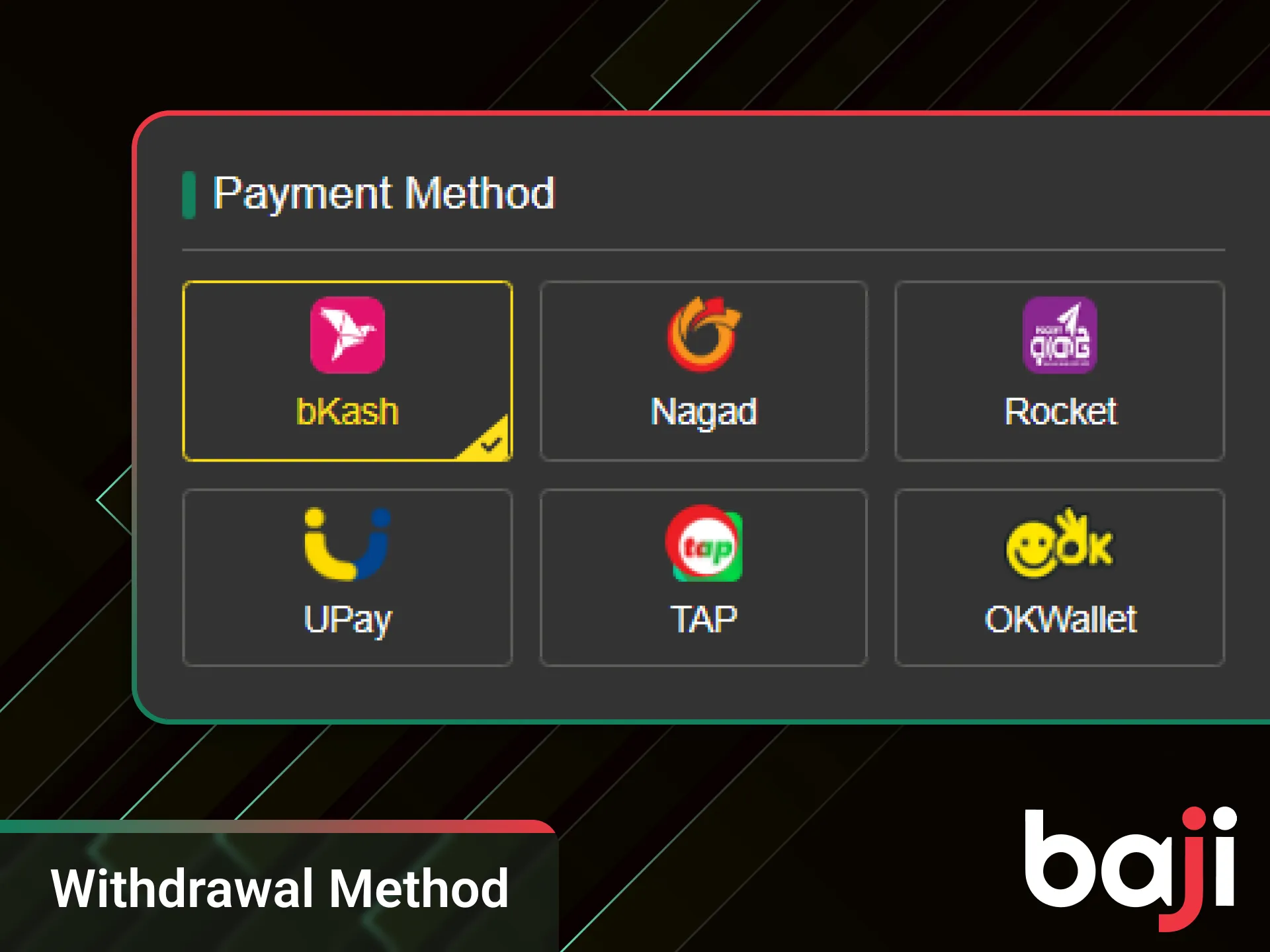
Local mobile wallets support fast withdrawals and remain the most common choice in Bangladesh. Cash out requests work only with personal numbers, since agent or merchant wallets do not qualify for payouts. Before the first withdrawal, link your wallet inside the account section by entering the wallet number and confirming ownership. The name on the wallet must match the account details to avoid rejection. After linking completes, select the wallet during withdrawal and submit the amount. Processing follows standard checks, and status updates appear inside the account panel.
Adding a Withdrawal Method
Saving payment details helps speed up future payouts and avoids repeated entry. Open the payment or withdrawal section in your account, choose the preferred wallet type, then enter the personal number and confirm it. After saving, the method appears in your profile and remains available for future withdrawal requests.
Withdrawal Limits & Processing Time
Withdrawal limits depend on account status and verification level. Standard accounts can request payouts starting from 500 BDT, while higher tiers may see a 1,000 BDT minimum based on profile status. Maximum withdrawal amounts depend on your VIP level, with higher levels receiving higher daily limits. Processing runs 24/7, though peak hours may cause short delays.
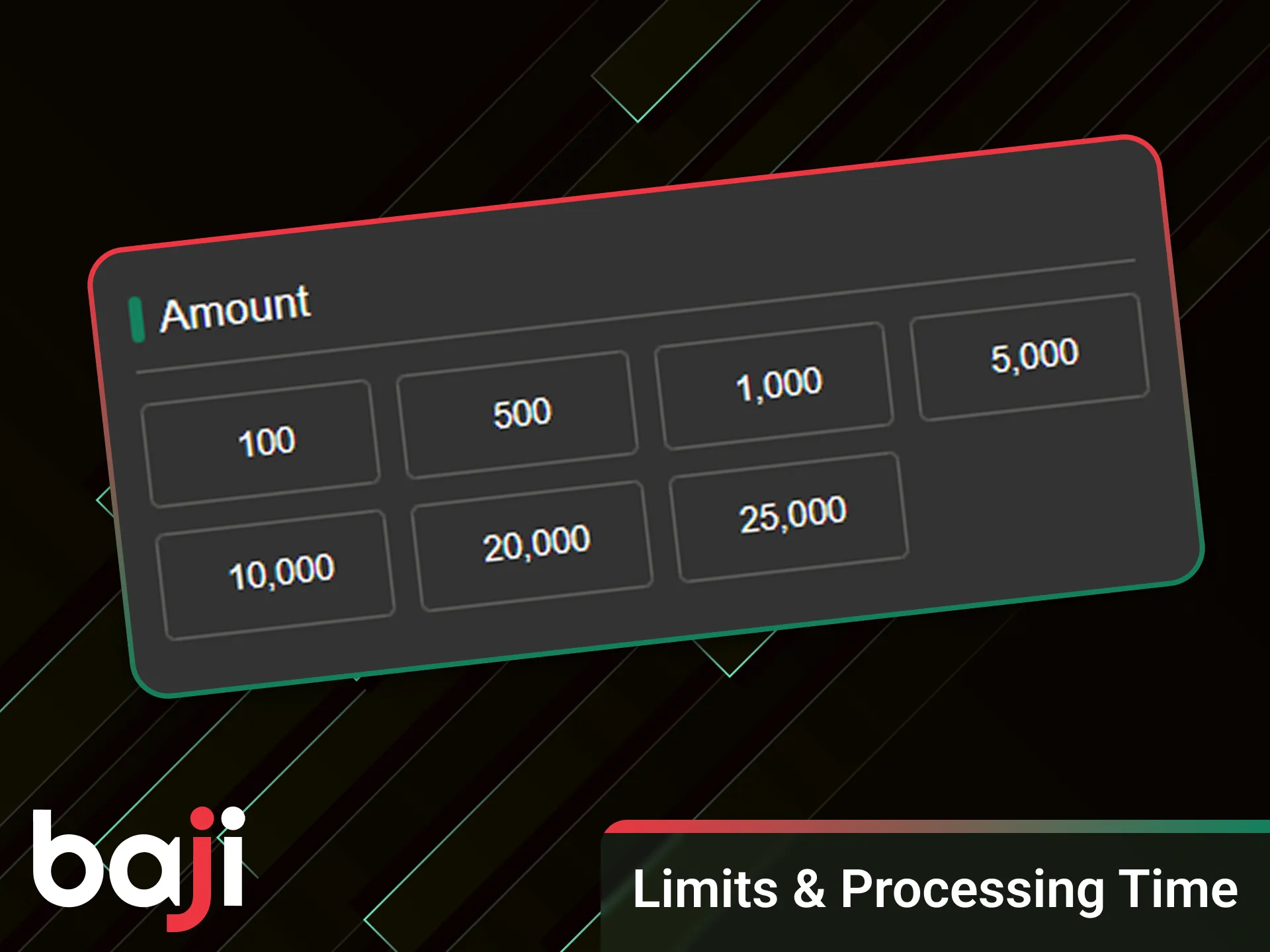
Before submitting a withdrawal, several requirements must be completed. Account verification must finish, including date of birth update, full name confirmation, and phone number verification. At least one successful deposit must appear in the account history. Deposit wagering must reach 1x, and any bonus wagering must fully complete according to stated rules. Withdrawals support bKash, Nagad, Rocket, and Local Bank, with status updates shown inside your account.
Withdrawal Troubleshooting
Withdrawal issues usually relate to account status or unmet conditions rather than system errors. Understanding common reasons helps resolve problems faster without repeated requests.
- Verification not completed: KYC checks must finish before payouts. Missing name confirmation, date of birth update, or phone verification can block withdrawal access.
- Turnover not completed: Deposits require at least x1 turnover before withdrawal. Active bonuses also require full wagering completion based on their terms.
- Different deposit and withdrawal methods: Using one method for deposit and another for withdrawal may trigger additional review. Matching methods helps reduce delays.
- Bank or wallet maintenance: Local banks or mobile wallets sometimes run maintenance, which can slow processing even when the request stays approved.
If a request remains pending, contact support with your transaction ID for review.
Is Baji Withdrawal Safe?
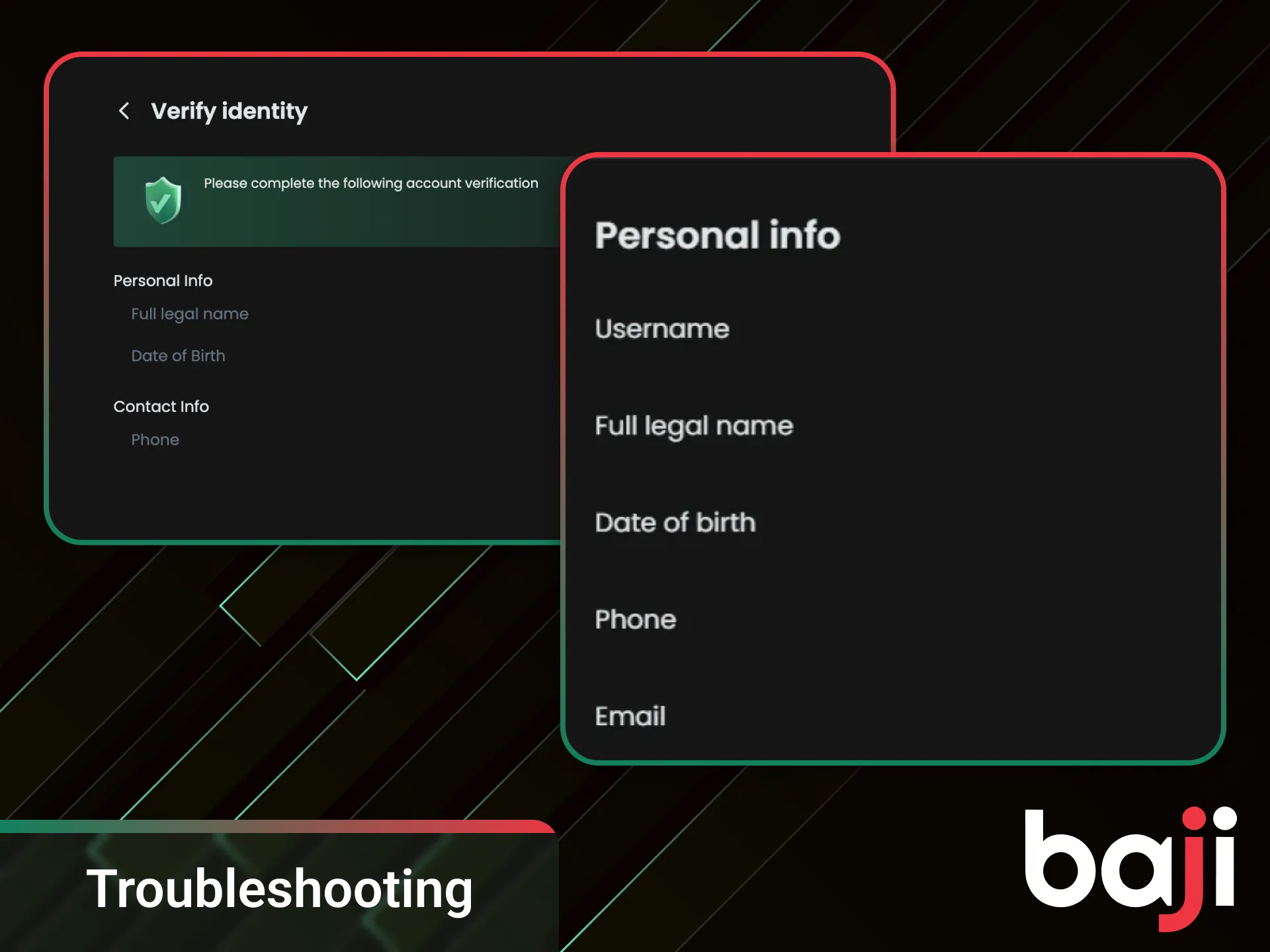
Withdrawal safety relies on account verification and encrypted data handling. Identity checks confirm account ownership, while secure connections protect personal and payment details during each transaction. These measures reduce fraud risk and help keep balances protected throughout the payout process.
FAQ
How to Cancel a Withdrawal Request?
You can cancel a withdrawal only while it is in pending status. Open the withdrawal history inside your account, select the request, and choose cancel. Approved or processed requests cannot be reversed.
Do I Need to Pay Any Taxes or Fees?
The platform does not charge withdrawal fees. Any taxes depend on local regulations and remain your responsibility. Mobile wallets and banks may apply their own service charges outside the platform.
Can I Withdraw to a Friend’s bKash Account?
No, withdrawals work only to a personal bKash account registered under your own name. Using another person’s wallet can lead to rejection or additional verification checks.
Updated: